
- Home
- Tap to Pay on iPhone
Tap to Pay on iPhone
Accept contactless payments right on your iPhone with the Clover Go app — no extra hardware needed.
← Back to all Clover products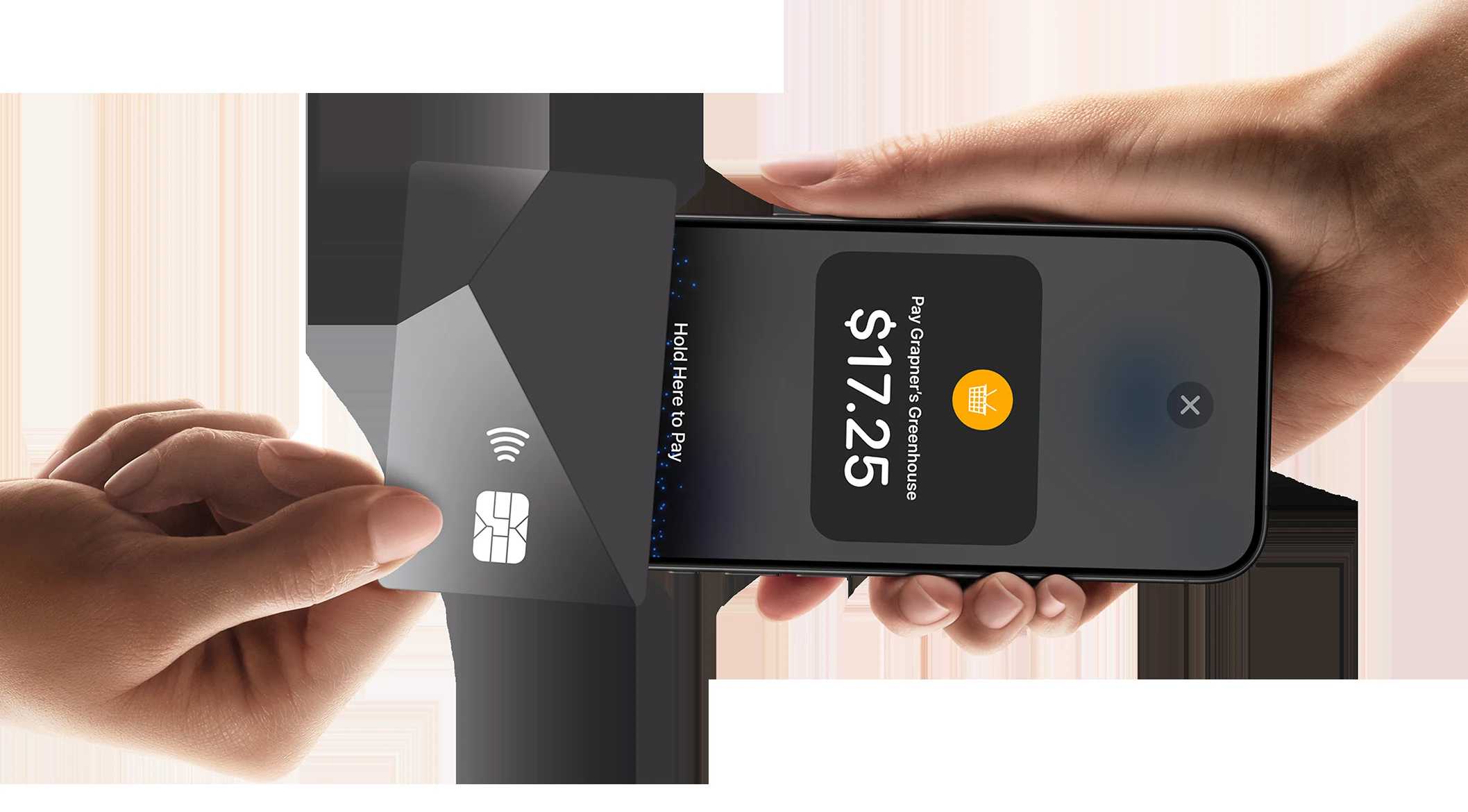
With Tap to Pay on iPhone and the Clover Go app, merchants can now accept all types of in-person, contactless payments right on their iPhone—from physical debit and credit cards to Apple Pay and other digital wallets—no extra hardware needed. It's easy, secure, and private. Here are answers to the most common questions.
What is Tap to Pay on iPhone?
With Tap to Pay on iPhone and the Clover Go app, merchants can now accept all types of in-person, contactless payments right on their iPhone—from physical debit and credit cards to Apple Pay and other digital wallets—no extra hardware needed. It's easy, secure, and private. Tap to Pay on iPhone enables Apple iPhones to accept NFC card or NFC-enabled mobile device payments. It supports NFC enabled Visa, Mastercard, Discover and American Express cards, and NFC enabled mobile devices are also supported, including iPhones (Apple Pay) and Google Pay enabled devices.
What type of Apple devices are supported?
iPhone XS and above models are supported and run on the latest version of iOS. iPads will not be supported at this time (no NFC reader).
What will be the high-level merchant experience?
Tap to Pay on iPhone with Clover will be available via the Clover Go app. Merchants will have to accept Apple's Terms of Service (TOS) and End User License Agreement (EULA). The Clover Go app will continue to support existing payment methods (manual/keyed).
How will customers engage with Tap to Pay?
Consumers will be able to use NFC enabled contactless cards, as well as digital wallets (e.g., Apple Pay), and follow any prompts on the merchant's device. PIN will not be supported.
Who is the target audience for Tap to Pay on iPhone?
Any merchant that needs to accept payments on the go. Field service merchants are a great fit for this mobile payment acceptance feature. Merchants who need to unlock new commerce experiences — line busting and payments on delivery — would benefit from Tap to Pay on iPhone in addition to their existing POS.
How does Tap to Pay on iPhone work for customers?
The merchant simply presents the iPhone to the customer. The customer taps to pay with their contactless card, iPhone or Apple Watch.
Does using an iPhone affect the battery life of the iPhone?
Tap to Pay on iPhone does not have a noticeable impact on battery life.
How will merchant boarding work?
There is no additional boarding needed: merchants can opt in directly from their device by the owner doing a one-time sign up with Apple to connect their Apple ID and the Clover MID. Merchant can also turn off via settings on the app.
Is Tap to Pay on iPhone secure?
Yes, all transactions using Tap to Pay on iPhone are private and secure. Customer's payment data is protected by the same payments technology that makes Apple Pay private and secure. Just like Apple Pay, card data is not stored on the device or Apple's servers.
